Why AI SaaS Demos Collapse After the First Payment
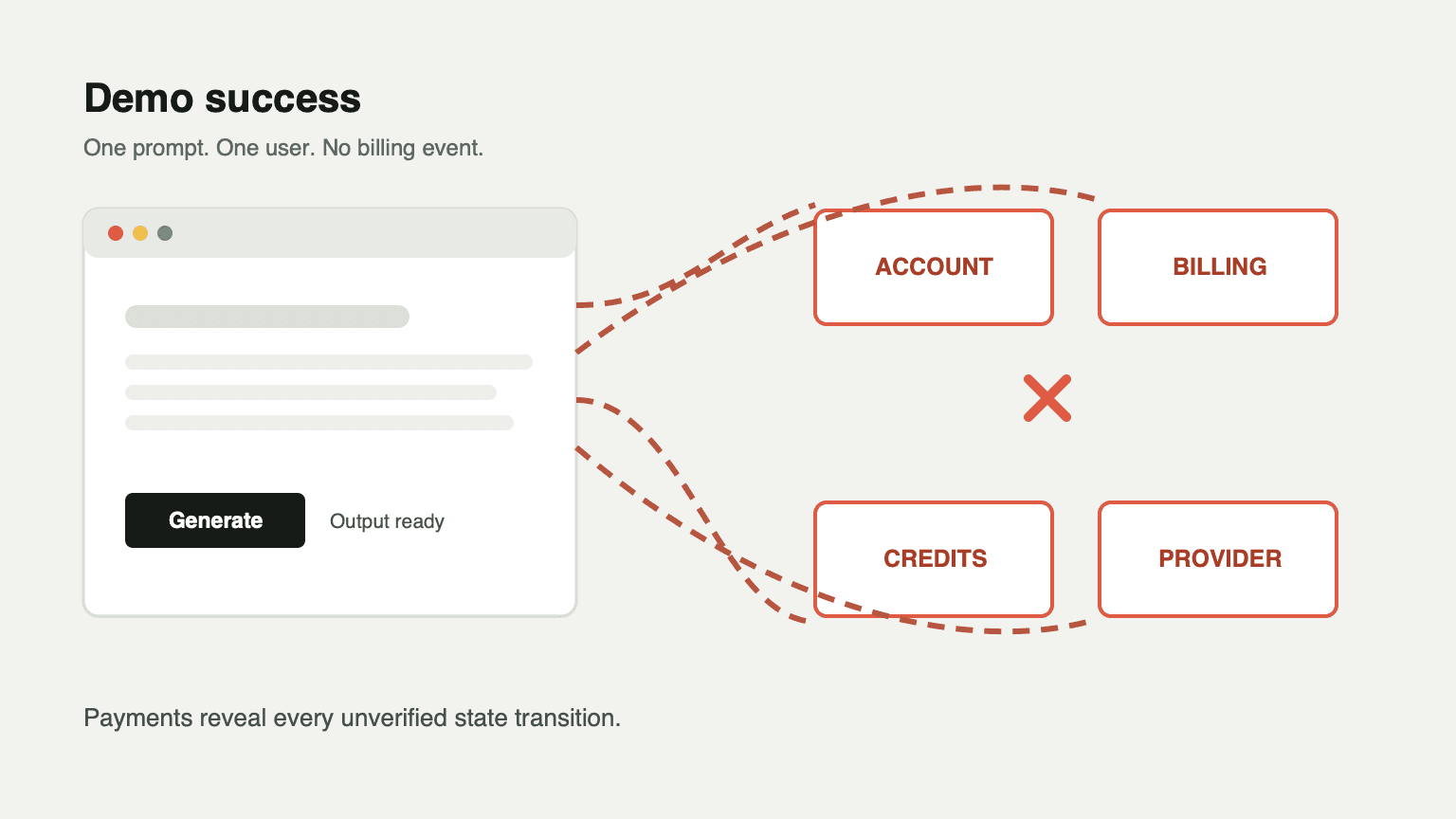
An AI product demo usually starts in the best possible conditions: one signed-in developer, one known prompt, a provider API key with available quota, and no billing event. The demo can look complete while every transition required by a commercial product remains untested.
The hard part is not generating output. The hard part is preserving a coherent account state across sign-in, checkout, subscription renewal, credit grants, AI generation, refunds, admin intervention, and support investigation.
The Demo Passes Because It Skips the Transitions
A typical AI SaaS demo has a form and a model response. It may even have a polished pricing page. What it often lacks is the state machine behind the product:
- A visitor becomes an account.
- The account becomes a customer.
- The customer receives spendable credits.
- Credits are consumed before provider work.
- Provider success or failure is reconciled.
- Subscriptions renew without duplicate grants.
- Support can see what happened and repair it safely.
Each transition can fail independently. If they exist only in UI state, the first real payment exposes the gap.
Authentication Is an Authorization Boundary
NimBuild Starter deliberately uses Firebase Google sign-in with HttpOnly server session cookies. Firebase verifies the identity; PostgreSQL stores product state such as role, plan, credits, and ban status. Protected routes use the server session, not a client-side login flag.
That separation matters because “this browser says I am signed in” is not authorization. A production app must answer:
- Is the session valid?
- Does a local user exist?
- Is the user banned?
- Is the route restricted to an admin?
- Should a recent role or access change invalidate cached authorization data?
Without those checks, a good-looking Google button is only theater.
Checkout Changes More Than a Plan Label
When a customer completes Stripe Checkout, the product should create or update several connected records: payment, subscription, user plan, credits, and audit history. Updating only the user’s plan label makes the UI look correct while accounting drifts.
Webhooks can arrive late, more than once, or in an order that does not match the user’s browser journey. A commercial flow therefore needs signature verification and idempotency before it grants anything.
NimBuild treats Stripe as the payment provider, but keeps local accounting explicit. A completed checkout creates a payment record, updates subscription state, grants credits through the ledger path, and sends confirmation email. Those records must move together or fail together.
Credits Require an Audit Trail
A single credits integer is convenient, but it cannot answer the questions that follow real usage:
- Were these credits purchased, granted, adjusted, refunded, or expired?
- Which subscription cycle granted them?
- Why did this balance decrease?
- What should support refund after a provider outage?
NimBuild uses three connected concepts:
user.creditsas the fast-access balancecredit_balance_bucketas spendable buckets with source, amount, priority, and optional expirycredit_ledgeras an immutable audit trail
Every mutation is written in one database transaction. That gives speed without losing explainability.
AI Calls Introduce a Second Consistency Problem
Many AI workflows must deduct credits before calling the provider. If the provider later fails, the customer paid for nothing. If the app refunds first and the provider later succeeds, the business loses revenue.
The practical pattern is compensation:
- Check and deduct credits transactionally.
- Create a compensation object.
- Call the AI provider.
- Mark the operation settled on success.
- Refund through the ledger and record the reason on failure.
This is why NimBuild records ai_generation and ai_generation_refund as explicit ledger reasons instead of silently restoring a number.
Admin Screens Are Operational Controls
Once customers pay, an admin interface is not decoration. It is how the team safely answers “what happened to this account?”
NimBuild includes user management, subscription visibility, credit adjustment, and ledger history. That last screen is especially important: an adjustment is only trustworthy when it can be reviewed alongside the events before and after it.
A Better Acceptance Test
Before calling an AI product production-ready, run these scenarios:
- Refresh every page after signing in and out.
- Complete a test checkout and inspect payment, subscription, plan, credit, and ledger records.
- Send the same webhook event twice.
- Force an AI provider failure after credit deduction.
- Expire a bucket of promotional credits.
- Change an admin role and verify old authorization caches are invalidated.
- Review every mutation from an admin screen.
If those scenarios still produce coherent records, you have more than an AI demo. You have the beginning of a commercial AI SaaS.