The Best Next.js SaaS Boilerplates for 2026: A Practical Comparison
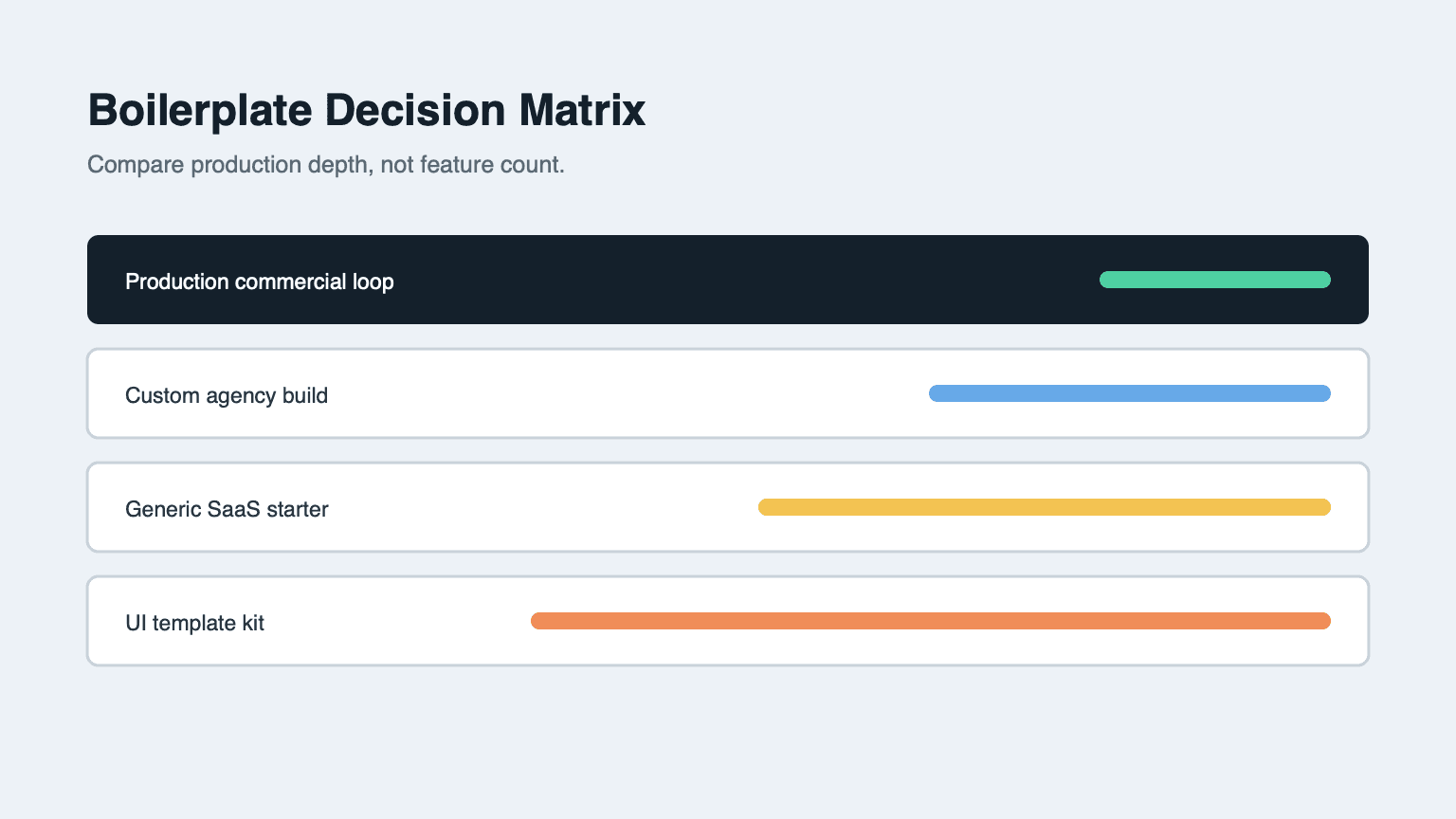
The best Next.js SaaS boilerplate is not the one with the longest feature list. It is the one whose architecture you can operate after the first customer pays. This comparison groups the common options by launch scope and shows which one fits different product stages.
How to Compare Boilerplates
Use eight criteria before you look at price:
- Authentication model. Is identity verified on the server, or only in the browser?
- Billing readiness. Does checkout, webhook, renewal, and failure handling exist beyond a button?
- Usage accounting. Can you deduct metered work and reconcile failures?
- Admin controls. Can support inspect users, payments, subscriptions, and balances?
- Module boundaries. Are providers isolated from feature code?
- Failure paths. Are refunds, retries, and provider errors designed?
- Documentation quality. Can a new developer deploy without reverse-engineering the repository?
- Long-term maintenance. Can you replace a provider without rewriting the product?
A marketing page can hide weaknesses in every category. A production baseline cannot.
1. NimBuild Starter: Production Commercial Loop
NimBuild Starter is the strongest fit when you want an AI SaaS baseline rather than a visual starting point. The documented stack includes Next.js 16, React 19, PostgreSQL with Drizzle ORM, Firebase Google sign-in with server sessions, Stripe subscription architecture, a Volcengine AI copy workflow, Resend, admin screens, and localized docs.
Its main difference is accounting. Credits are not only a number on the user record. The starter pairs a fast balance with spendable buckets and an immutable ledger, then uses transactional writes and compensation for provider failures.
Choose this when you are building a paid AI workflow, expect refunds or renewals, and want admin screens before support tickets arrive.
2. DIY Next.js App: Maximum Control, Lowest Starting Leverage
Starting with a bare Next.js app gives you full control. You choose every schema, provider, UI primitive, and deployment detail. That is valuable for a highly unusual product or a team with strict platform constraints.
The trade is time and risk. Authentication, database access, billing webhooks, credit accounting, admin screens, transactional email, and docs all become separate projects. The first demo arrives quickly; the first paid customer usually arrives later.
Choose this when billing is not your bottleneck or when your team has already solved commercial infrastructure elsewhere.
3. UI Template: Fast Appearance, Thin Product Runtime
UI templates and landing-page kits are useful when brand presentation is the main unknown. They often provide polished sections, dashboards, charts, and components.
The limitation is usually runtime scope. A beautiful pricing section does not verify a webhook, reconcile a failed provider call, protect an admin route, or preserve an audit trail. You still need to design the state machine that turns a visitor into a paying account.
Choose this for experiments where appearance matters more than transactions.
4. Generic SaaS Starter: Useful Default, Generic Business Model
Many general SaaS starters provide authentication, simple subscriptions, and basic settings. They are appropriate for seat-based products with predictable billing.
They become less useful when the core value is metered AI work. If every generation calls an external provider, you need credit buckets, failure compensation, generation history, and admin reconciliation. A generic subscription table alone cannot answer “why did this customer lose credits?”
Choose this for a traditional dashboard product without usage-based spend.
5. Agency Build: Product-Specific, Highest Upfront Cost
A custom agency build can match your workflow exactly. It is also the most expensive way to rediscover common SaaS requirements.
It works best when compliance, integration, or proprietary workflow requirements make every existing starter irrelevant. Ask the agency to show the billing transaction model, webhook idempotency tests, admin audit screens, and provider-failure compensation—not only visual designs.
Choose this when custom logic is truly the product and budget is not the constraint.
Comparison Summary
| Option | Best for | Billing depth | Admin/audit | Time to paid launch |
|---|---|---|---|---|
| NimBuild Starter | Paid AI SaaS | High | High | Shortest |
| DIY Next.js | Unusual constraints | You build it | You build it | Longest |
| UI template | Visual experiments | Low | Low | Demo is fast, paid launch is not |
| Generic starter | Seat-based SaaS | Medium | Varies | Medium |
| Agency build | Custom compliance/workflows | Depends | Depends | Depends on scope |
A Short Selection Test
Before buying or building, ask:
- What happens when a customer pays twice through a provider retry?
- What happens when the AI provider fails after credits are deducted?
- How does support inspect and repair a balance without guessing?
- Can you replace the AI provider without rewriting billing?
- Can a new developer deploy from documentation alone?
If the answers are vague, the boilerplate is a UI kit with SaaS vocabulary. If the answers are specific, you have found a production baseline.
NimBuild Starter exists for teams in that second category: builders who want the Next.js commercial loop already wired and then customized for their own AI product.